Windows 10 & 11 · 200+ tweaks · Fully reversible

Stop guessing.
Optimize with intent.

A premium Windows utility — glass UI, Discord profile, DNS presets, and honest descriptions for every change. Not a random script dump.

0Tweaks
1Installer
0Fake FPS claims

PRODUCTS

Two tools. One standard.

Windows optimization and competitive input latency — both built by Swaq.

Windows Tweaks

SWAQ'S OPTIMIZER

200+ reversible system tweaks, glass UI, Discord login, DNS presets. Clean your PC without fake FPS claims.

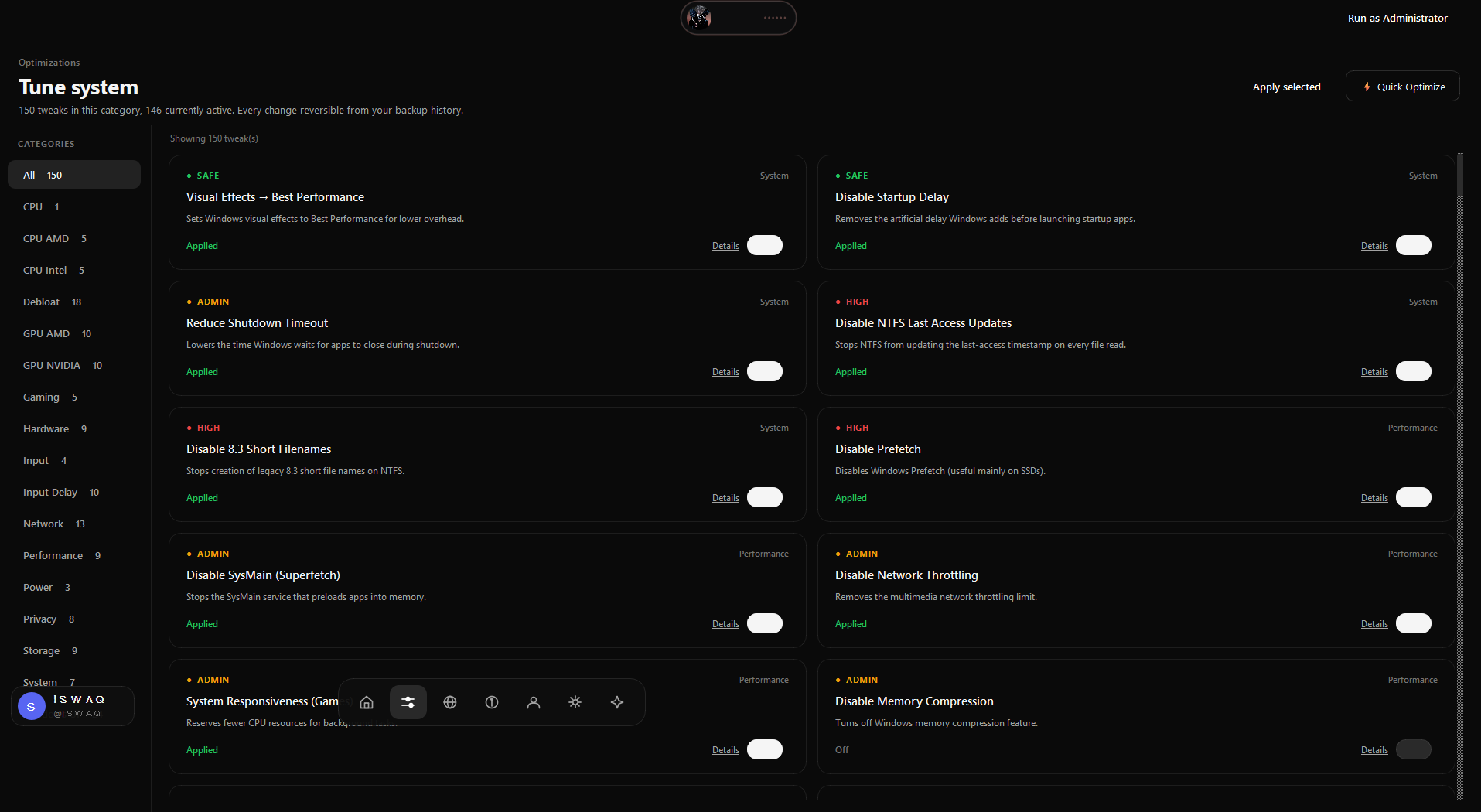
  • 200+ registry & system tweaks
  • Discord login · themes · DNS
  • Backups & per-tweak restore

Windows 10 / 11 · Setup · v1.1

Download Optimizer
Input Latency

SWAQ'S ZERO DELAY

C++ / Qt6 latency toolkit — input monitoring, high-resolution timing, analyzers, and game profiles for CS2, Fortnite and Minecraft.

  • Input optimizer & monitor
  • Latency analyzer + live graph
  • Game profiles (CS2, Fortnite, Minecraft)
  • Glass UI, themes, Discord auth

Windows 10 / 11 · v1.2.0 · Discord login

Download Zero Delay

FEATURES

Built like a product

Everything structured, documented, and reversible.

Performance stack

System, CPU, GPU, storage, power and gaming profiles in clear categories.

Network & DNS

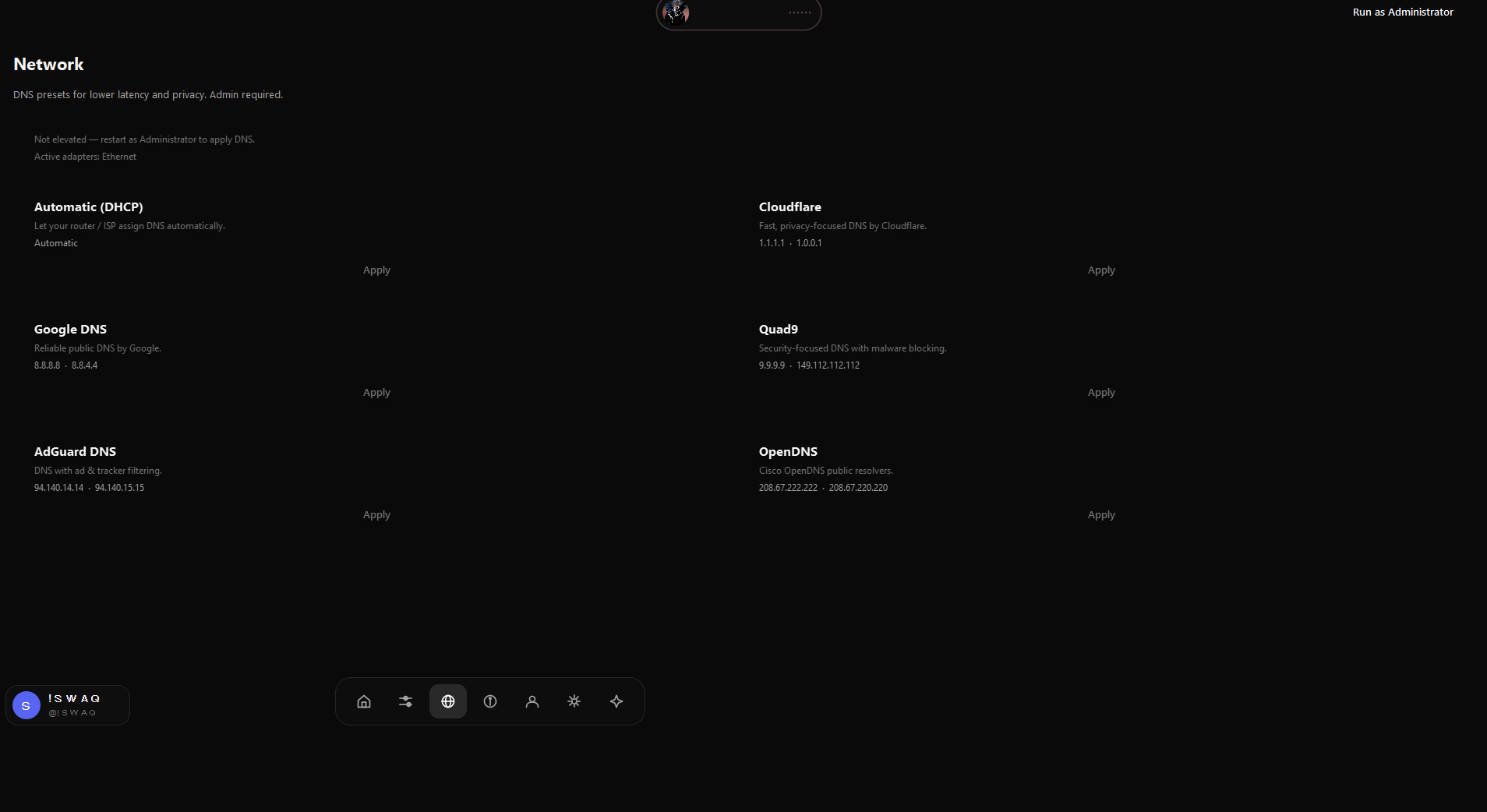
Cloudflare, Google, Quad9, AdGuard — one click when elevated.

Safety first

Automatic value backups, optional restore points, per-tweak restore.

App-grade UI

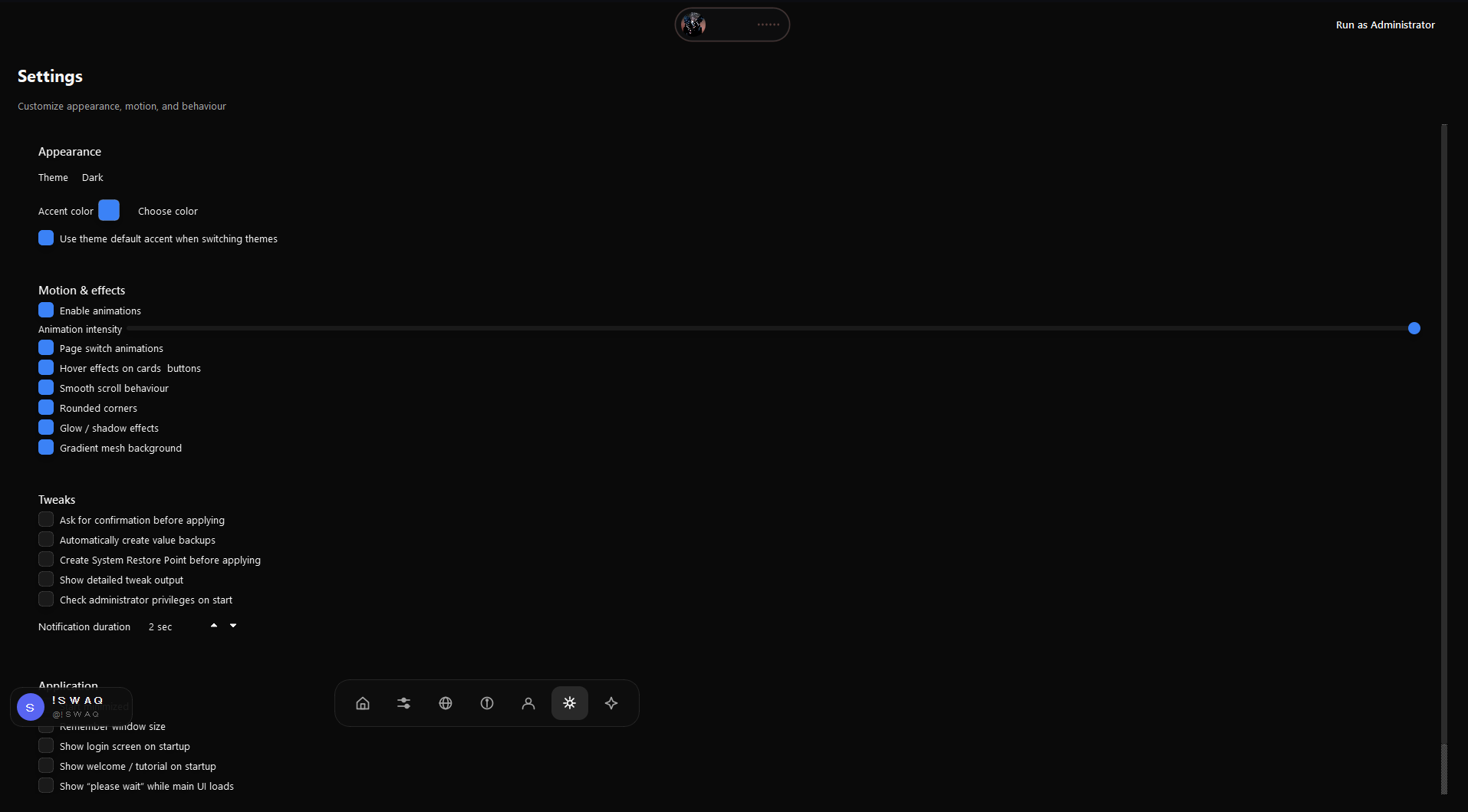
Glass dark interface, themes, bottom nav, Discord chip, smooth motion.

Discord login

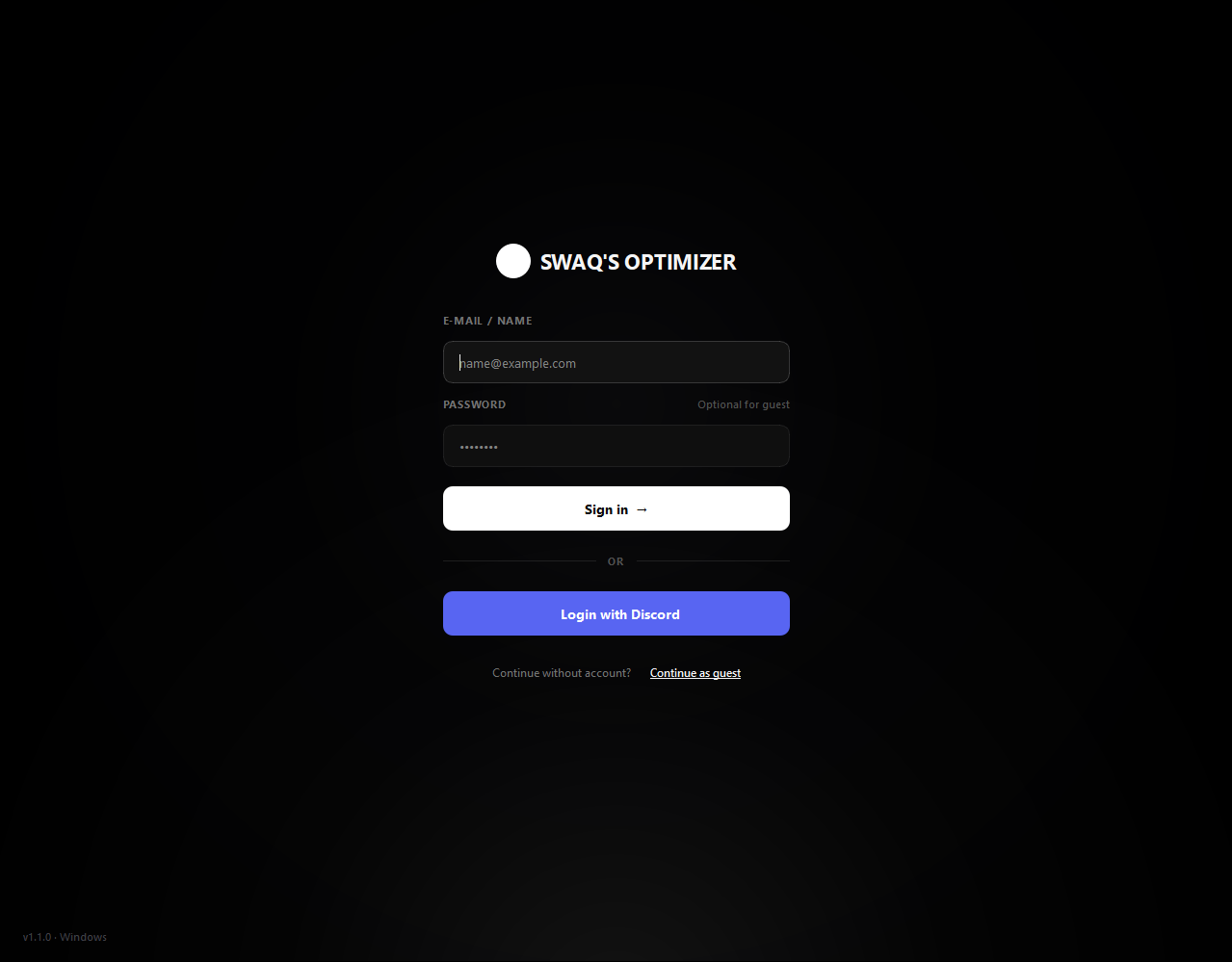
Optional OAuth2 with real avatar — or continue as guest.

Real system info

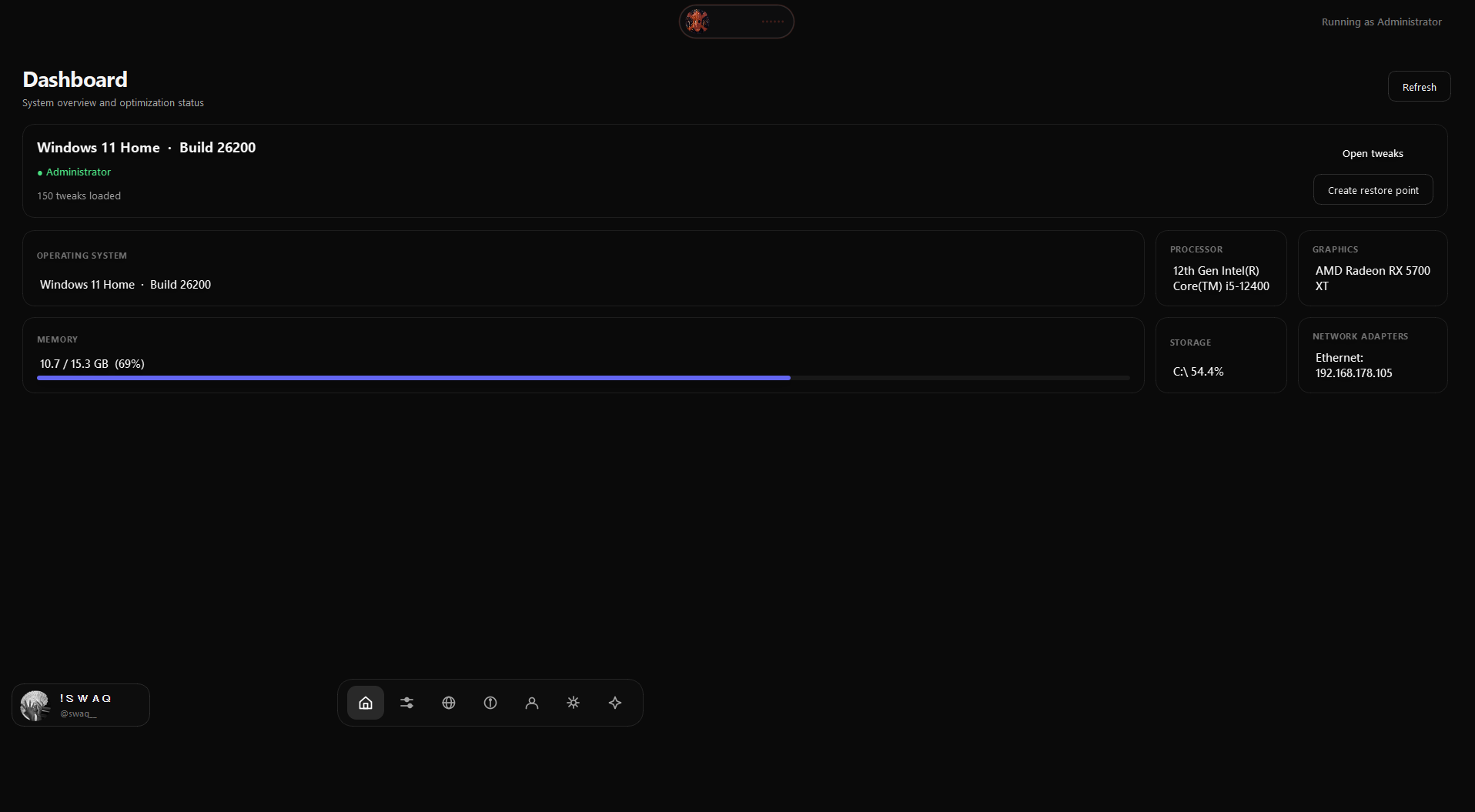
Correct Windows 11 detection, CPU, GPU, RAM — know what you tune.

PRODUCT

Inside the app

Real screenshots. Click to enlarge.

Dashboard
Dashboard
Tweaks
Tweaks
Login
Login
Settings
Settings
Network
Network
Welcome
Welcome

WORKFLOW

Three steps

01

Sign in or guest

Discord OAuth or continue without an account.

02

Elevate if needed

Accept UAC once for protected system changes.

03

Toggle & apply

Read the description. Apply. Restore anytime.

REVIEWS

What people say

★★★★★

“Finally an optimizer that doesn’t promise +200 FPS. UI is clean.”

M
MarcoWindows 11
★★★★★

“Discord login + DNS switch to Cloudflare actually worked.”

L
LenaCompetitive FPS
★★★★☆

“Feels like a product, not a random .bat collection.”

J
JonasCreator

Leave a review

Stored only in your browser on this device.

FAQ

Straight answers

Is every tweak reversible?

Registry tweaks store previous values. Restore per tweak. Optional Windows restore points.

Do I need Administrator?

For most system changes, yes. The app explains why and can restart elevated via UAC.

Guaranteed FPS boost?

No. Honest tools don’t invent numbers — cleaner behavior and documented changes.

Is Discord required?

No. Guest mode works fully. Discord only adds your profile in the app.

Choose your tool

Windows optimization and competitive input latency — both built by Swaq.

Run as Administrator for full system tweaks